Creating a Login for the Alumni Directory Portal
If you don’t already have a login for the Alumni Portal, please follow the steps below to create one. Note that this process will be required to access any future applications that require Authentication as a German Club Member.
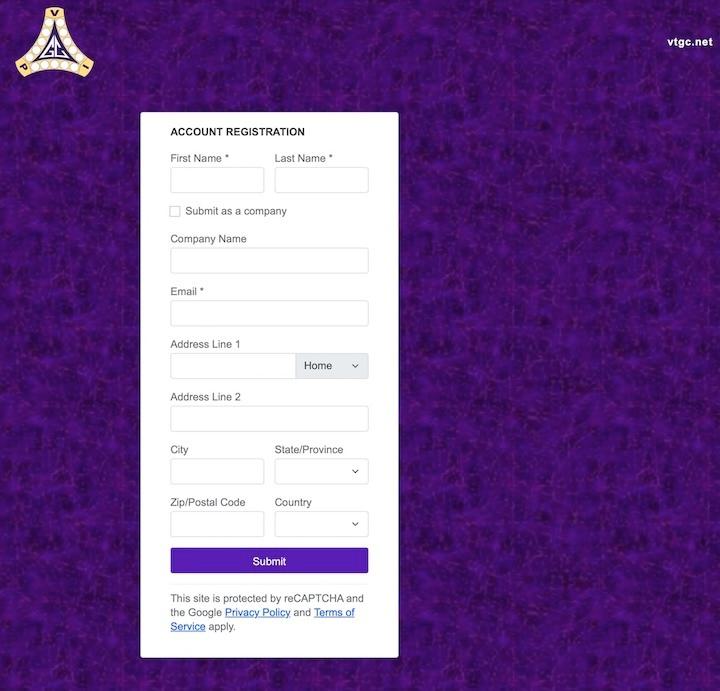
To create an account, go to Create Alumni Directory Account and enter the information requested.
2. After you receive login information, go to the Alumni Portal Login and select "Login" in the upper right corner.
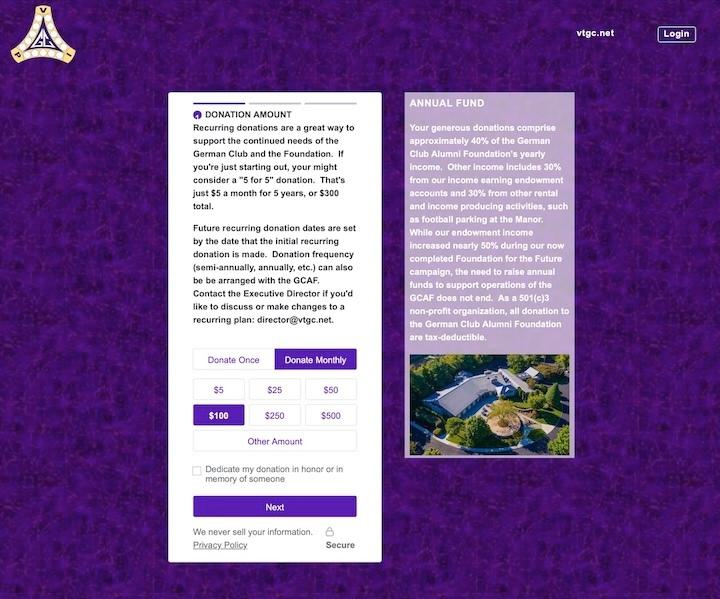
3. Register/complete the profile (yes, this is slightly redundant). Note there is NO donation required to create an account.
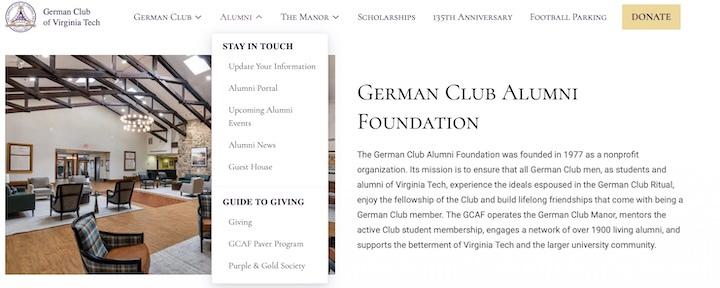
4. Once completed, you can now access the portal via the Alumni -> Alumni Directory of the German Cub website, or you will be directed to a site that required German Club Member Authentication.
Need help? Email: director@vtgc.net